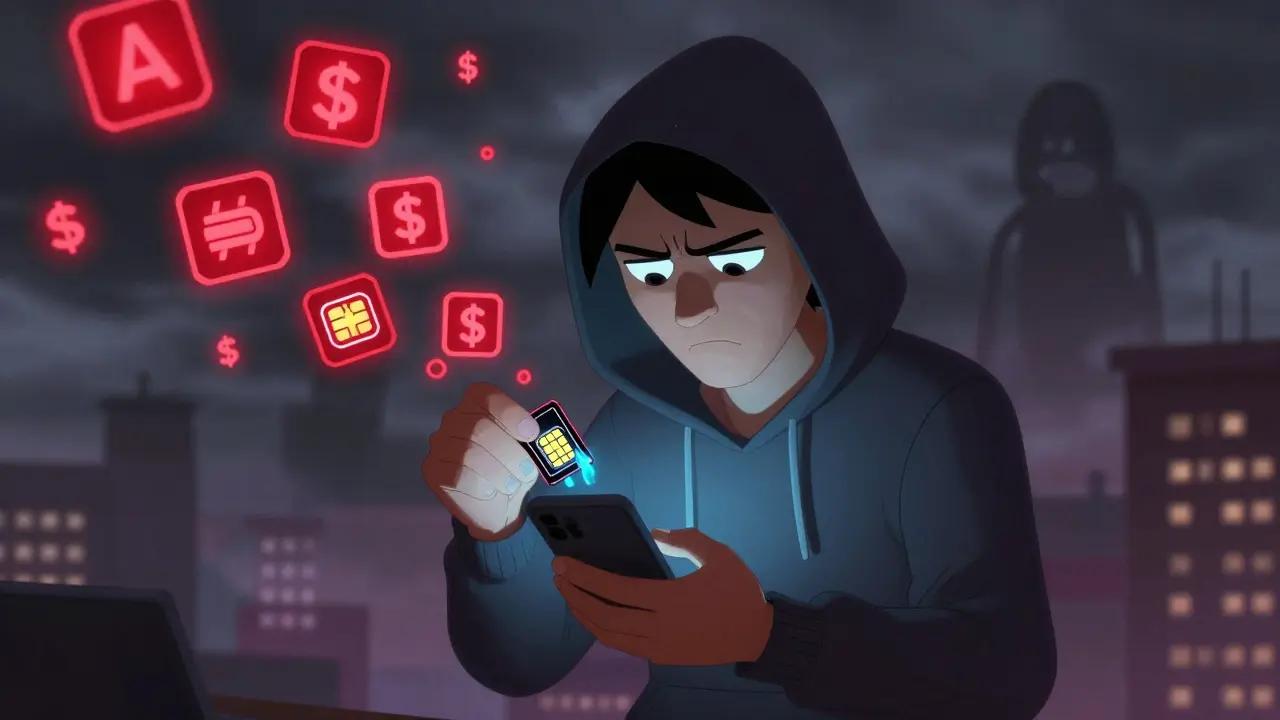
Imagine logging into your crypto wallet, only to find someone else already drained it. Not because they guessed your password - but because they got your text message. That’s not a movie plot. It’s happened to thousands of people in 2025 alone. If you’re still using SMS for two-factor authentication (2FA), you’re not just being lazy - you’re leaving the back door wide open.
Why 2FA Matters More Than Ever
Two-factor authentication isn’t just a nice-to-have. It’s the bare minimum for protecting anything valuable: crypto wallets, exchange accounts, cloud backups, even your email. A password alone? That’s like locking your house with a paperclip. 2FA adds a second lock - something you have, not just something you know. But not all second locks are created equal.There are three main ways to do it: SMS codes, authenticator apps, and hardware keys. Each has trade-offs. The question isn’t just which is easier - it’s which one actually stops hackers.
SMS 2FA: The Convenient Trap
SMS 2FA feels simple. You enter your password, then wait for a 6-digit code to pop up in your texts. Done. No app to install. No device to carry. It’s why so many platforms still use it - especially for new users.But here’s the problem: SMS is not secure. It’s a text message. Text messages can be intercepted. They can be rerouted. And in 2025, SIM swapping attacks are everywhere.
How does SIM swapping work? A hacker calls your mobile provider, pretends to be you, and convinces them to transfer your number to a new SIM card they control. Suddenly, every code you get - for your Coinbase, MetaMask, or bank - goes to them. No password cracking needed. No malware. Just social engineering and a weak carrier verification process.
According to the U.S. Federal Trade Commission, SIM swap reports tripled between 2021 and 2024. Crypto users were the top targets. In New Zealand, two major exchange users lost over $120,000 combined in 2025 because their SMS codes were redirected. The system didn’t fail. You were the weak link.
SMS 2FA also suffers from delays. If you’re in a basement, on a train, or overseas without roaming, that code might never arrive. Or it comes 10 minutes too late. You’re locked out. Or worse - the attacker gets in first.
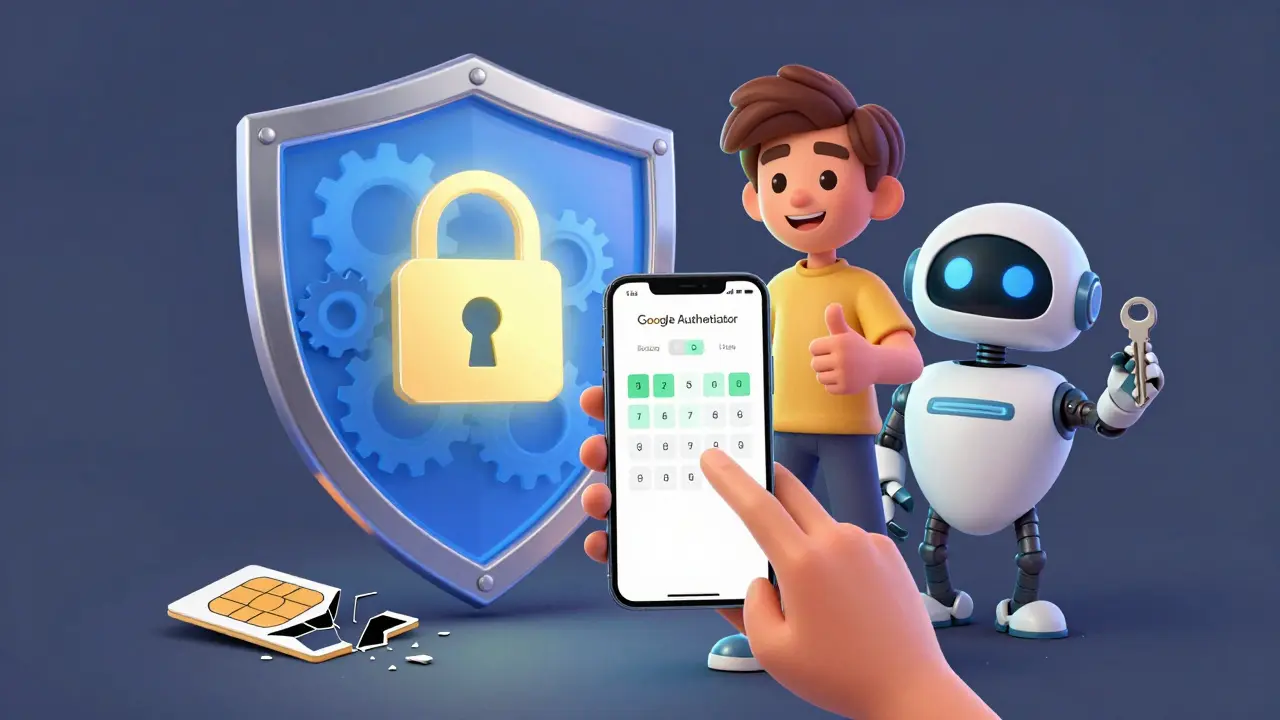
Authenticator Apps: The Sweet Spot
If SMS is a paper lock, authenticator apps are a deadbolt. Apps like Google Authenticator, Authy, and Microsoft Authenticator generate time-based codes right on your phone - no network needed.Here’s how it works: When you set it up, the app and your account share a secret key. Every 30 seconds, both sides calculate the same 6-digit number using that key and the current time. No internet. No SMS. No middleman. Even if your phone loses signal, the code still works.
This kills SIM swapping. Hackers can’t intercept codes they never receive. And because the secret key never leaves your device, there’s no way for them to guess it remotely.
Push notification apps like Duo Mobile take it a step further. Instead of typing a code, you get a notification on your phone: “Login attempt from New York. Allow?” You tap “Yes” or “No.” No typing. No codes. Just one tap. It’s faster, harder to trick, and shows you exactly where the login is coming from.
Authenticator apps aren’t perfect. If your phone gets stolen and unlocked, the attacker can access your codes. That’s why you need a strong phone lock and, ideally, backup codes stored offline. But compared to SMS? It’s a massive upgrade. Most crypto exchanges now recommend - or even require - authenticator apps for high-value accounts.
Hardware Keys: The Gold Standard
If you’re holding Bitcoin, Ethereum, or any serious amount of crypto, you need more than just an app. You need a hardware key.These are small USB or NFC devices - like YubiKey or Google Titan. You plug it into your computer or tap it against your phone. That’s it. No codes. No apps. No typing.
Here’s why it’s unbeatable: Hardware keys use cryptography. When you log in, your account sends a challenge. The key signs it with a unique digital signature - one that can’t be copied, guessed, or intercepted. Even if a hacker tricks you into visiting a fake login page (phishing), the key won’t respond unless it’s talking to the real site. It knows the difference.
Hardware keys are immune to phishing, malware, and remote attacks. They can’t be hacked over Wi-Fi. They don’t rely on your phone. Even if your laptop is infected, the key stays safe.
Yes, they cost $20-$50. Yes, you have to carry them. But think about it: If you hold $5,000 in crypto, is a $30 key really expensive? It’s cheaper than losing everything.
Major exchanges like Kraken and Ledger now support hardware keys as the primary 2FA method. The FIDO Alliance’s WebAuthn standard means they work across browsers, apps, and platforms. No more juggling apps. Just plug in and go.

What About the Future?
The industry is moving fast. Google stopped supporting SMS 2FA for internal accounts in 2024. Microsoft now blocks SMS 2FA for enterprise users unless explicitly allowed. Apple’s Advanced Data Protection uses hardware keys by default for iCloud accounts.And it’s not just about 2FA anymore. Passwordless login is here. With FIDO2, you can log in using just your fingerprint and a hardware key - no password at all. Your phone or key becomes your identity.
For most people, authenticator apps are the right balance. For anyone holding serious crypto? Hardware keys aren’t optional. They’re insurance.
What Should You Do Right Now?
If you’re still using SMS for your crypto wallet or exchange:- Turn it off immediately. Go into your account settings and disable SMS 2FA.
- Set up an authenticator app. Download Google Authenticator or Authy. Scan the QR code from your exchange. Save your backup codes on paper - not in a cloud note.
- Buy a hardware key. Get a YubiKey 5C or Titan Security Key. Plug it in the next time you log in. Test it. Make sure it works.
- Use both. Keep the app as backup. Use the key as your primary. If you lose your phone, you still have the key.
This isn’t about being paranoid. It’s about being smart. Hackers aren’t breaking into vaults. They’re tricking people into handing over access. You’re not a target because you’re rich. You’re a target because you’re easy.
Stop letting your security depend on a text message. Your crypto deserves better.
Is SMS 2FA completely unsafe for crypto?
Yes, for anything with real value. SMS can be intercepted, redirected via SIM swapping, or delayed. In 2025, over 70% of crypto thefts involving 2FA used SIM swaps. Authenticator apps or hardware keys are the only reliable options.
Can I use both an authenticator app and a hardware key?
Absolutely. In fact, you should. Use the hardware key as your primary method and the authenticator app as a backup. If you lose your key, you can still log in with the app. Most platforms support multiple 2FA methods at once.
What happens if I lose my hardware key?
You should have backup codes or a second key stored securely. Never rely on just one. Most exchanges let you register multiple keys. Keep one at home, one in a safe, or give one to a trusted person. Losing your key isn’t the end - if you planned ahead.
Are hardware keys compatible with phones?
Yes. Most modern hardware keys work with NFC - just tap them against your phone. Others use USB-C or Lightning connectors. YubiKey 5Ci, for example, works with both iPhone and Android. Check compatibility before buying, but most popular keys support mobile devices.
Do I need to pay for authenticator apps?
No. Google Authenticator, Authy, and Microsoft Authenticator are all free. The only cost is your time setting them up. Don’t pay for apps that claim to offer "premium" 2FA - the standard TOTP protocol is open and free to use.
14 Comments
Akhil Mathew
I used SMS for my Coinbase account for months until my buddy got hacked via SIM swap. Lost $8k in 2024. Never again. I switched to Authy and bought a YubiKey last month. Best $35 I ever spent. No more stress when my phone dies or I’m on a train with no signal.
Tom Sheppard
bro i just use google authenticator and call it a day 😅 why complicate life? hardware keys look like flash drives and i ain't carrying extra junk. also my phone is locked with face id so even if someone steals it they ain't getting in. 🤷♂️
Ramona Langthaler
Stop coddling people who don't want to protect their own money. SMS is trash. If you're still using it you're not lazy you're dumb. People lose crypto every day because they think security is a checkbox. Get a key. Or don't. But don't cry when your portfolio evaporates. 💀
Robert Mills
Do it now. Not tomorrow. Not next week. NOW. 🔑
Joseph Pietrasik
Hardware keys are a scam. They're just expensive USB sticks. The real problem is companies forcing 2FA at all. Why do I need to prove who I am to check my portfolio? I'm not a criminal. This is surveillance capitalism dressed up as security. Just let me in with my password. 🤷♂️
Raju Bhagat
OMG I JUST GOT SIM SWAPPED LAST MONTH 😭😭😭 my phone number got transferred while I was sleeping and they drained my Binance account. I cried for 3 days. Now I use a YubiKey and Authy and I keep my backup codes in a locked safe in my mom's house in Kerala. She doesn't even know what crypto is but she's my security guard now 😂
laurence watson
I get that hardware keys are the gold standard, but not everyone can afford one or has the tech confidence to use it. Authenticator apps are a huge step up from SMS and way more accessible. The goal isn't perfection-it's progress. If someone uses Authy instead of SMS, that’s a win. Let’s not shame people into inaction.
Elizabeth Jones
The fundamental issue here isn't the technology-it's the assumption that security can be outsourced to a system designed for convenience, not safety. SMS was never meant to be a cryptographic protocol. It's a relic of a time when phones were just phones. The real failure isn't user negligence-it's institutional negligence. Platforms still offering SMS 2FA aren't just outdated-they're complicit.
Pamela Mainama
Authy is free and works great. Just turn off SMS and you're already safer than 90% of people. No need to overthink it.
Rachel Stone
So... I'm supposed to buy a $40 key so I can feel safe while my bank still uses SMS for password resets? 🤨
Nickole Fennell
I just lost everything because I trusted my carrier. I called them to fix my data and they said 'oh we can just transfer your number to this new SIM we found' and I said 'sure' because I thought they were helping me. Now I have $15k less and I can't sleep. I'm not mad at hackers. I'm mad at the system that lets this happen. Someone needs to sue these telcos.
Gurpreet Singh
In India, many people don’t have smartphones with NFC or even USB-C ports. For them, SMS is the only option. We need better infrastructure before we can demand hardware keys. Maybe the answer isn't to shame users, but to push providers to support low-cost, secure alternatives like USSD-based 2FA or offline OTP generators.
Will Pimblett
Hardware keys are the only real defense against phishing. I once clicked a fake login page that looked identical to Kraken's. My YubiKey didn't respond. The page just froze. I realized I almost got owned. That thing saved my life. No app can do that.
Christopher Michael
Important note: Always register at least TWO hardware keys. One as your primary, one as your backup. Store them in separate physical locations. Never keep both in your wallet or on your keychain. Also: Use WebAuthn-compatible keys (FIDO2) - they work with iOS, Android, Windows, Mac, and Linux. Avoid proprietary solutions. YubiKey 5Ci is the only one that works with Lightning and USB-C natively. And yes - you can store backup codes on a metal plate engraved with a laser. Don’t use paper. It burns. Don’t use cloud notes. They get hacked. This isn’t tech bro advice - this is survival.